Alert
gluestack-ui offers a responsive React Native Alert component with multiple styles. Easily integrate alerts into your UI with customizable React Native alert styles. This is an illustration of Alert component.variant
Installation
Run the following command:
npx gluestack-ui@latest add alertAPI Reference
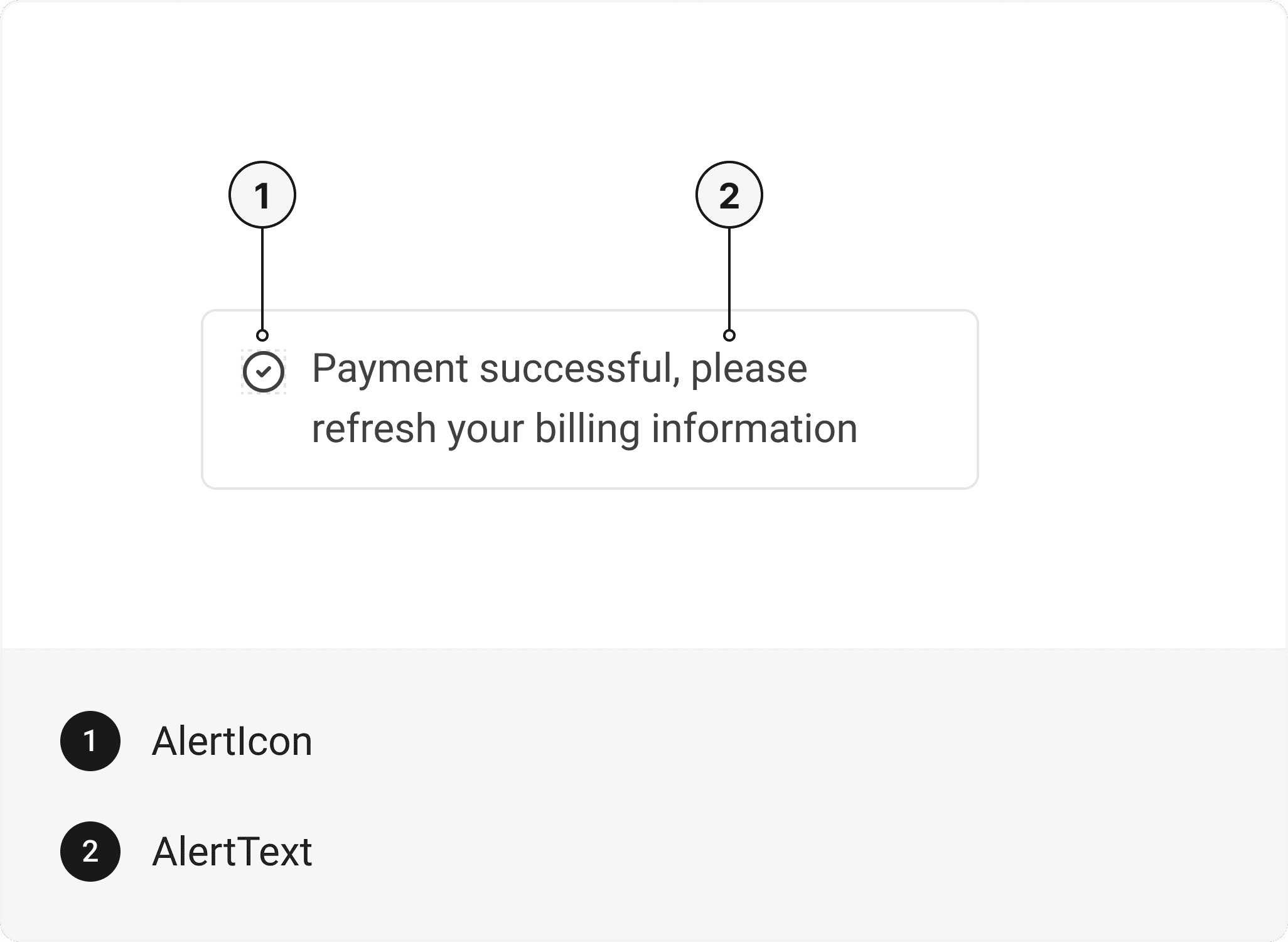
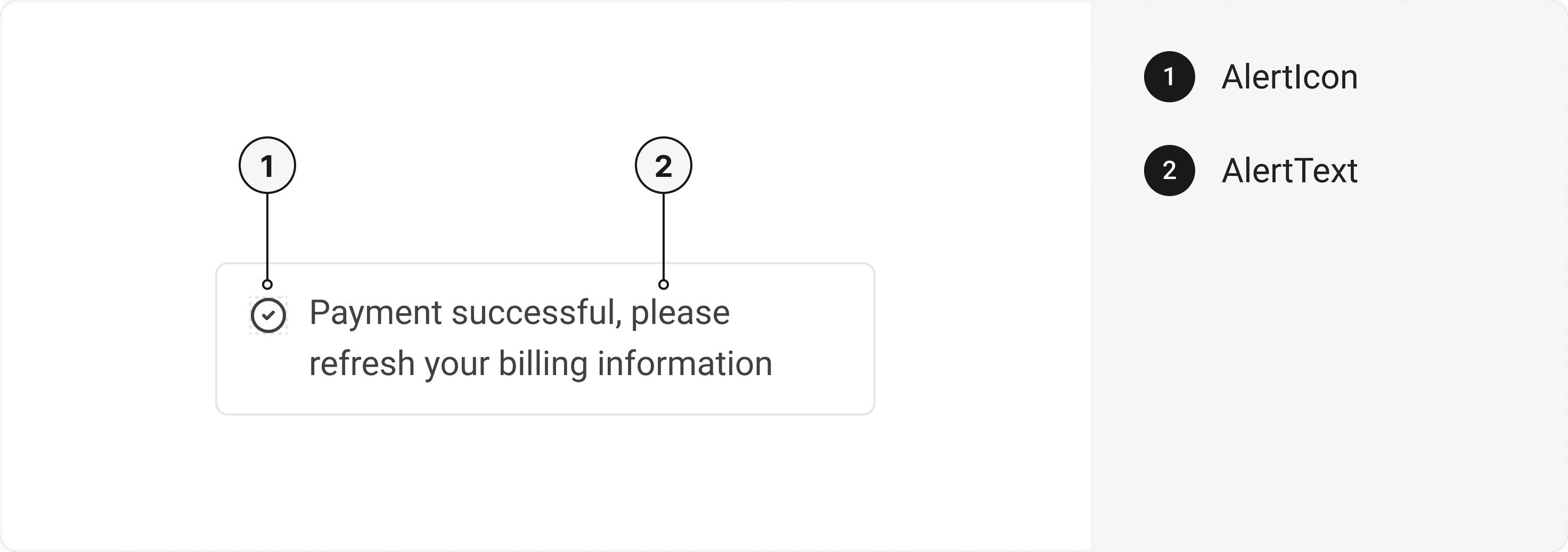
To use this component in your project, include the following import statement in your file.import { Alert, AlertIcon, AlertText } from '@/components/ui/alert';
export default () => (
  <Alert>
    <AlertIcon />
    <AlertText />
  </Alert>
);
Component Props
This section provides a comprehensive reference list for the component props, detailing descriptions, properties, types, and default behavior for easy project integration.Alert
Contains all alert related layout style props and actions. It inherits all the properties of React Native'sView
component.
| Prop | Type | Default | Description |
|---|---|---|---|
action | error | warning | success | info | muted | info | Determines the color scheme of the alert. |
variant | solid | outline | solid | Determines the visual style of the alert. |
AlertIcon
It inherits all the properties of React Native'sView
component.
AlertText
Contains all text related layout style props and actions. It inherits all the properties of React Native'sText
component.
Examples
The Examples section provides visual representations of the different variants of the component, allowing you to quickly and easily determine which one best fits your needs. Simply copy the code and integrate it into your project.Alert with CTA
Alert on cloud sync
Warning alert
Alert on confirm password modal
Edit this page on GitHub