TextArea
Easily integrate a React & React Native Textarea component with multi-line input. Customize size, state, and accessibility for seamless UI. This is an illustration of TextArea component.size
isReadOnly
isInvalid
isDisabled
Installation
Run the following command:
npx gluestack-ui@latest add textareaAPI Reference
To use this component in your project, include the following import statement in your file.import { Textarea } from '@/components/ui/textarea';
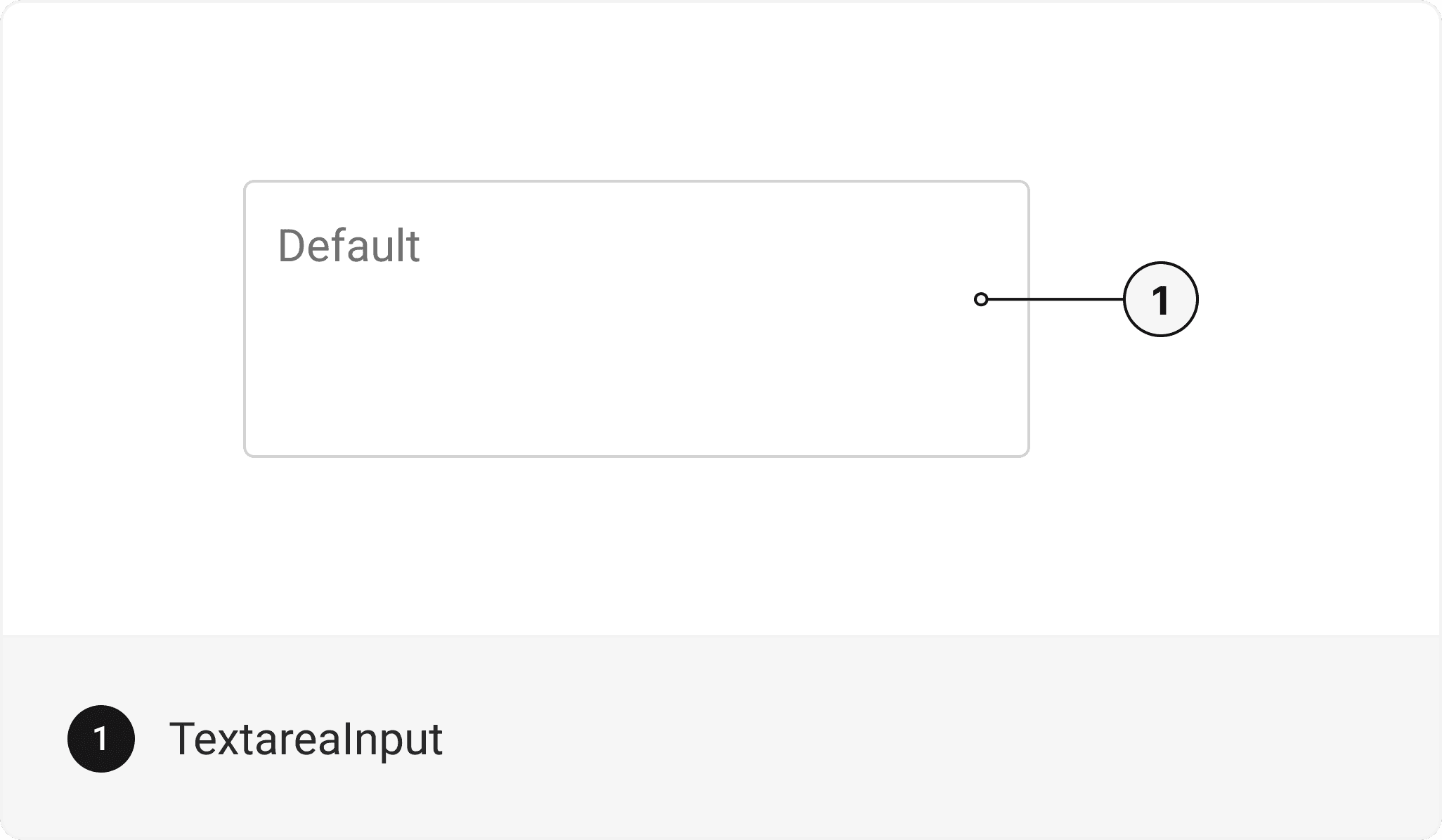
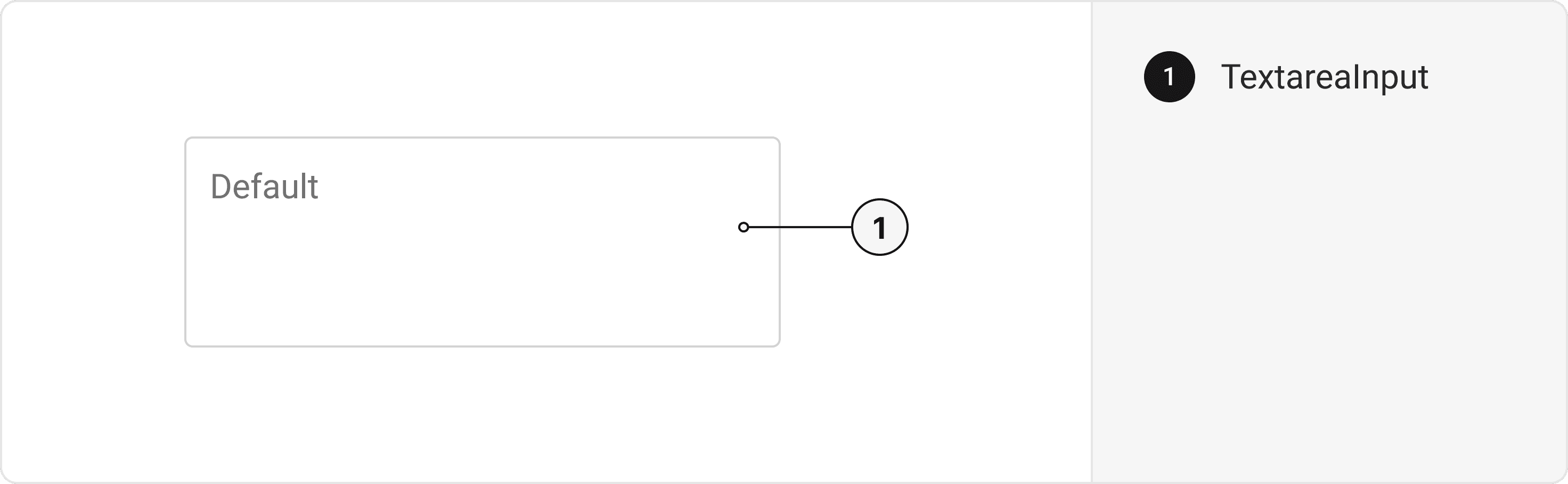
export default () => (
  <Textarea>
    <TextareaInput />
  </Textarea>
);
Component Props
This section provides a comprehensive reference list for the component props, detailing descriptions, properties, types, and default behavior for easy project integration.Textarea
It inherits all the properties of React Native'sView
component.
| Prop | Type | Default | Description |
|---|---|---|---|
size | 'sm' | 'md' | 'lg' | 'xl' | 'md' | Changes the size of the Input Text |
isInvalid | bool | false | When true, the input displays an error state. |
isDisabled | bool | false | When true, the input is disabled and cannot be edited. |
isHovered | bool | false | When true, the input displays a hover state. |
isFocused | bool | false | When true, the input displays a focus state. |
isRequired | bool | false | If true, sets aria-required="true" on the input. |
isReadOnly | bool | false | If true, the input value cannot be edited. |
| Sx Prop | Description |
|---|---|
_input | Prop to style TextareaInput Component |
TextareaInput
Contains all TextInput related layout style props and actions. It inherits all the properties of React Native'sTextInput
component.
Accessibility
We have outlined the various features that ensure the Textarea component is accessible to all users, including those with disabilities. These features help ensure that your application is inclusive and meets accessibility standards.Keyboard
- setting the aria-label and aria-hint
Screen Reader
- VoiceOver: accessible and aria-label props to describe the input's purpose
- aria-traitsandaria-hintfor the various states of the input, such as "double tap to edit"
Props
Textarea component is created using TextInput component from react-native. It extends all the props supported byReact Native Text Input
and the props mentioned below.
Textarea
| Name | Value | Default |
|---|---|---|
size | xl | lg | md | sm | md |
Data Attributes Table
Component receives states as props as boolean values, which are applied asdata-*
attributes. These attributes are then used to style the component via classNames, enabling state-based styling.
| State | Data Attribute | Values |
|---|---|---|
hover | data-hover | true | false |
focus | data-focus | true | false |
disabled | data-disabled | true | false |
invalid | data-invalid | true | false |
Examples
The Examples section provides visual representations of the different variants of the component, allowing you to quickly and easily determine which one best fits your needs. Simply copy the code and integrate it into your project.FormControl
The Textarea Component can be incorporated within the FormControl.Edit this page on GitHub