Badge
Display status indicators with the Badge component. Perfect for notifications, labels, and status tags in your React Native app. This is an illustration of Badge component.variant
Installation
Run the following command:
npx gluestack-ui@latest add badgeAPI Reference
To use this component in your project, include the following import statement in your file.import { Badge } from '@/components/ui/badge';
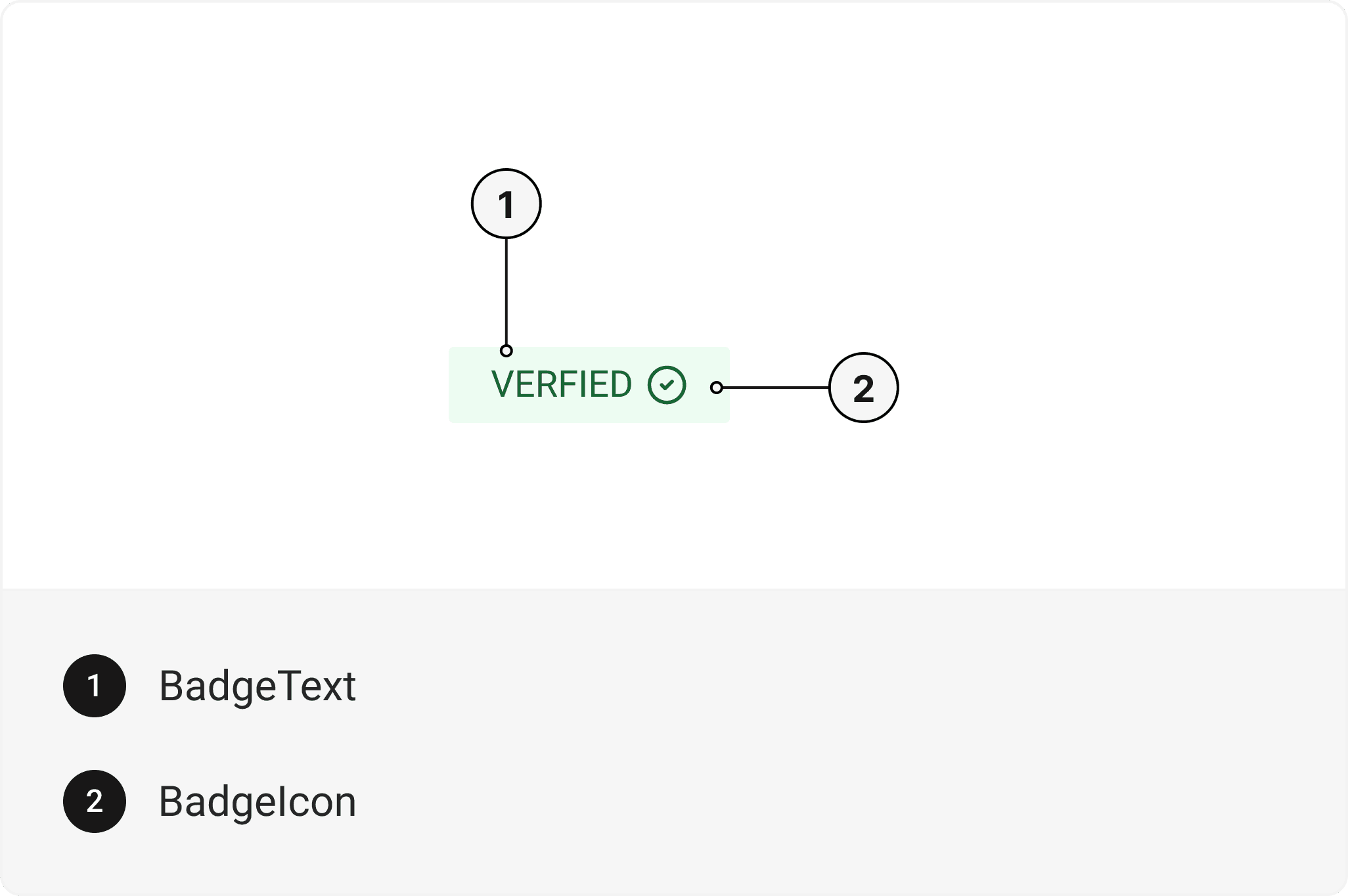
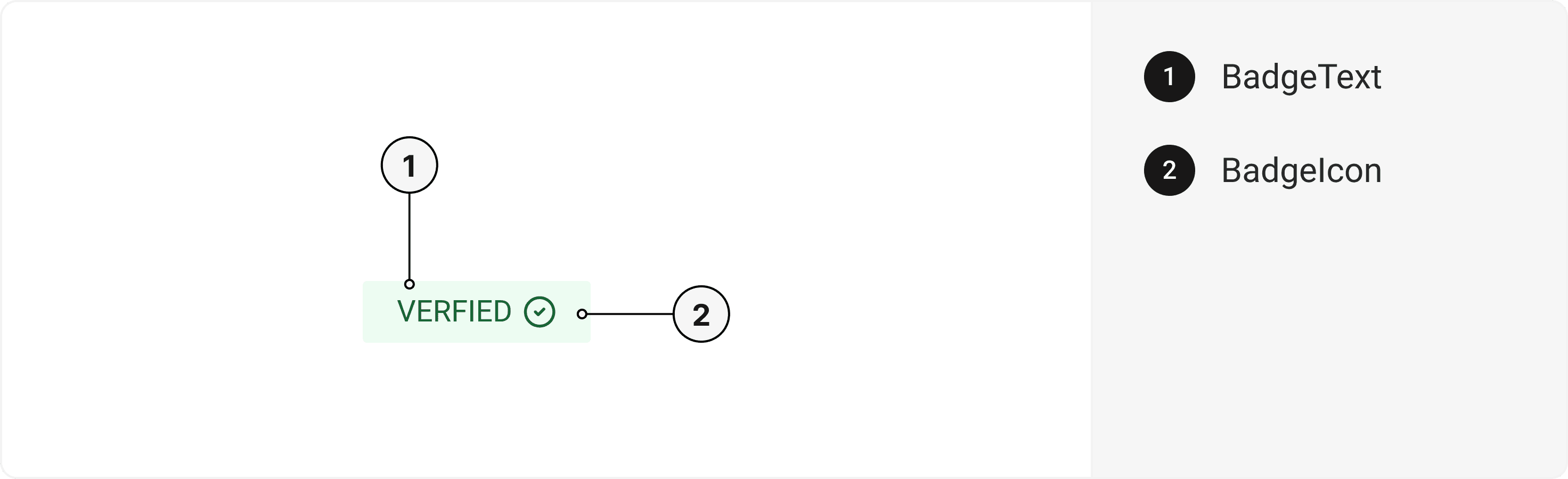
export default () => (
  <Badge>
    <BadgeText />
    <BadgeIcon />
  </Badge>
);
Component Props
This section provides a comprehensive reference list for the component props, detailing descriptions, properties, types, and default behavior for easy project integration.Badge
It inherits all the properties of React Native'sView
component.
BadgeText
It inherits all the properties of React Native'sText
component.
BadgeIcon
Contains all Icon related layout style props and actions. It inherits all the properties of gluestack Style'sAsForwarder
component.
Props
Badge component is created using View component from react-native. It extends all the props supported byReact Native View
.
Badge
| Prop | Type | Default | Description |
|---|---|---|---|
action | error | warning | success | info | muted | success | Determines the color scheme of the badge. |
variant | solid | outline | solid | Determines the visual style of the badge. |
size | sm | md | lg | md | Determines the size of the badge. |
Important Note
Note: These props are exclusively applicable when utilizing the default configuration of gluestack-ui/config. If you are using a custom theme, these props may not be available.
Examples
The Examples section provides visual representations of the different variants of the component, allowing you to quickly and easily determine which one best fits your needs. Simply copy the code and integrate it into your project.Badge with Avatar
An example of the Badge component being used with the Avatar component to display badges alongside user avatars for enhanced visual representation or identification.Badge Composition
An example of the Badge component being used with the Composition component, allowing for the display of badges within a composition of other UI elements.Edit this page on GitHub